Flickhaven IPTV UK
How to Move IPTV to a New TV Without Paying Twice
To move IPTV to a new TV, install a player app on the new set and enter the same Xtream Codes login or M3U link you used before. The subscription itself costs nothing extra to move. Apps that activate by MAC address are different: Smart IPTV charges a one-time €5.49 for each TV, so a new set needs its own activation, and a Flickhaven MAG subscription is tied to the box's MAC address. Watching on both TVs at once needs a 2-device plan.
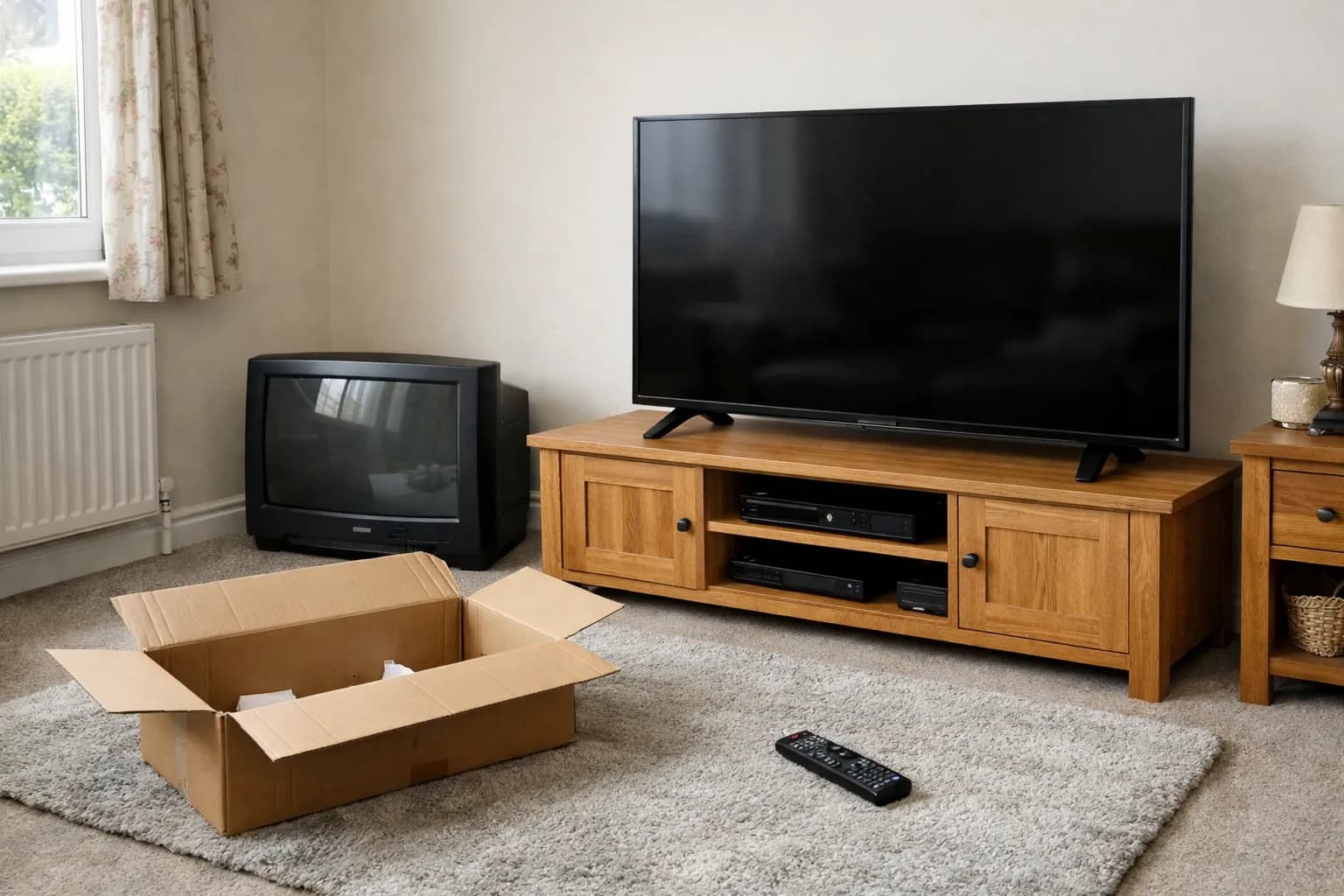
What moves with you and what does not
Your subscription moves with you; some apps do not. A Flickhaven login belongs to you, not to a television, so the channels, the catch-up and the plan length you bought on the Flickhaven plans and prices page all carry over to the new set the moment you sign in. What may not carry over is the player app, because a few apps license themselves to one physical TV.
The split comes down to how your app identifies you. If it asks for a server address, username and password, or for a playlist link, it is reading your login, and that login works on any device. If it shows a MAC address on its start screen and asks you to register that code on a website, it is identifying the TV, and a new TV has a new MAC address. The IPTV devices hub lists every set-up guide by device if you are also changing brand.
Moving an Xtream Codes or M3U login
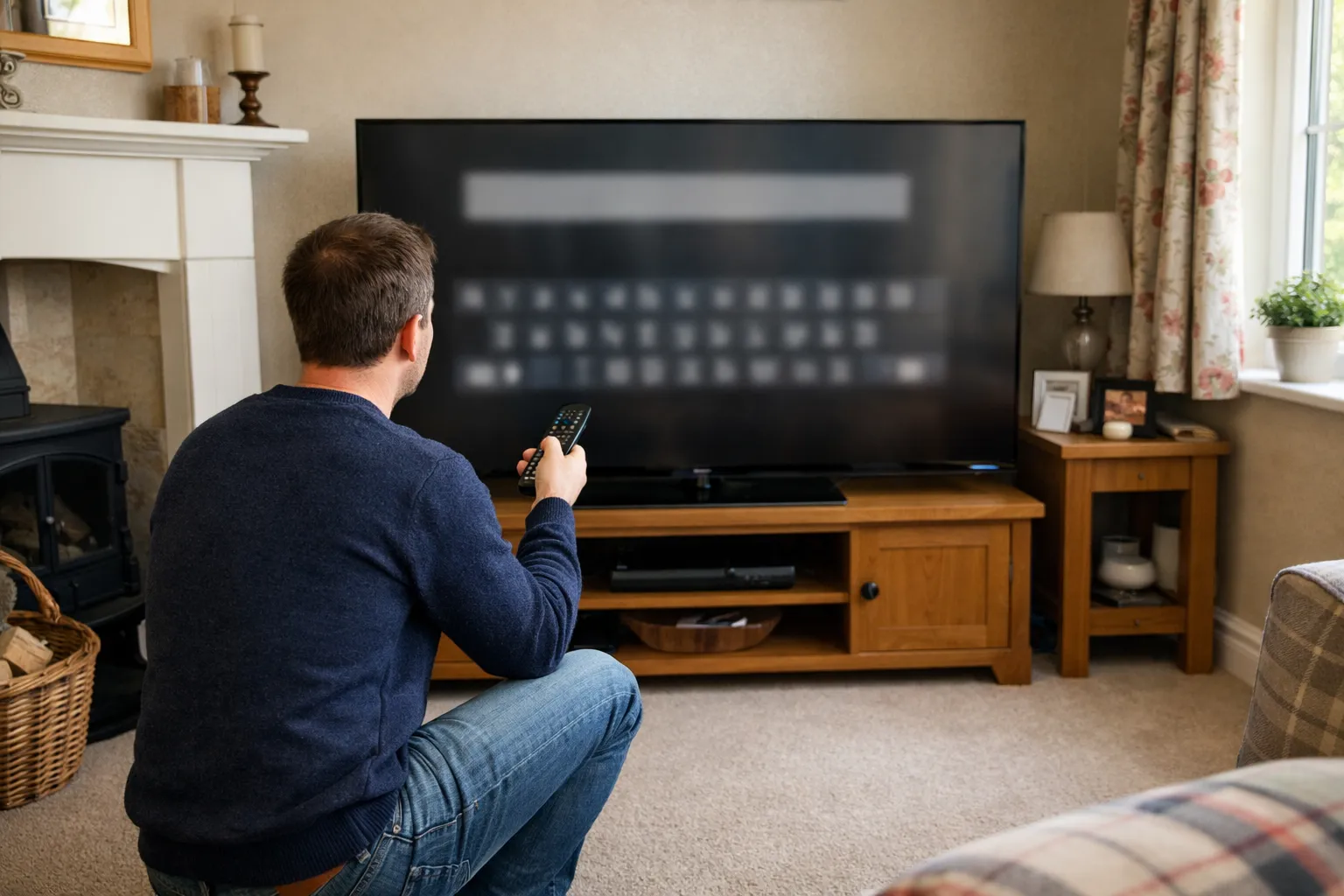
Install a player on the new TV and type in the same details you use today. Nothing has to be released or transferred on the old TV first.
- Find your login. It is in the message Flickhaven sent when your plan started: a server URL, a username and a password, plus an M3U link for apps that prefer one.
- Install a player app from the new TV's own app store. The Samsung Smart TV setup guide covers the apps that run on Tizen, and the same logins work on LG webOS sets.
- Choose the Xtream Codes option if the app offers one, and enter the server URL exactly as sent, including the http:// or https:// prefix and any port number.
- Enter the username and password. Both are case-sensitive.
- Let the app load the channel list and programme guide before you start flicking through channels.
If you cannot find the original message, ask WhatsApp support for your details. A paid player upgrade may need moving separately; check in your app. Your Flickhaven plan does not change, so there is nothing to renew or re-buy at this step.
Apps that lock to the TV's MAC address
Only apps that activate by MAC address or device key charge again on a new TV. Smart IPTV (SIPTV) is one such app: its developer states that smart TVs and supported devices “can be activated after a one-time fee of 5.49 EUR for each TV/device” (siptv.app/activation). The fee is per TV, so a new set means a new €5.49 activation. The licence belongs to the app developer, not to Flickhaven, so any question about it goes to siptv.app.
The Smart IPTV FAQ (siptv.app/faq) adds two points worth knowing before you set up the new TV. Each TV has two MAC addresses, one for Wi-Fi and one for Ethernet, and the developer says the second is activated automatically when you switch connection type. On Android 13 or later, and on installs from the Play Store, the app cannot read the MAC address and uses a temporary Device ID instead; the FAQ advises avoiding a factory reset if you want to keep the same Device ID.
| How you log in | What it is tied to | Cost on a new TV | What to do |
|---|---|---|---|
| Xtream Codes login | Your username and password | Nothing extra for the subscription | Enter the same server URL, username and password |
| M3U playlist link | The link itself | Nothing extra for the subscription | Paste the same link into the new player |
| Smart IPTV (SIPTV) | The TV's MAC address, or a Device ID on Android 13+ | One-time €5.49 for each TV (developer's price) | Activate the new TV and upload your playlist at siptv.app |
| Other MAC or device-key apps | The TV's MAC address or a device key | Some apps charge a per-device activation | Check the app's own activation page |
| MAG box portal | The box's MAC address | Ask support | Message support with the new box's MAC address |
The new MAC address is shown inside the player app's start screen, which is the easiest place to read it. It is also listed in the TV's network settings; check your TV's manual for the exact menu. The full upload steps are in the Smart IPTV activation and playlist guide.
Moving a MAG box subscription
A Flickhaven MAG portal subscription is tied to the box's MAC address, so a replacement box cannot simply be plugged in and used. Message support on WhatsApp with the new box's MAC address before you switch, and they will tell you how the move works for your plan.
On a MAG box the MAC address is shown in the system information screen. The MAG box setup guide explains the portal URL and where each setting lives.
Keeping the old TV as well
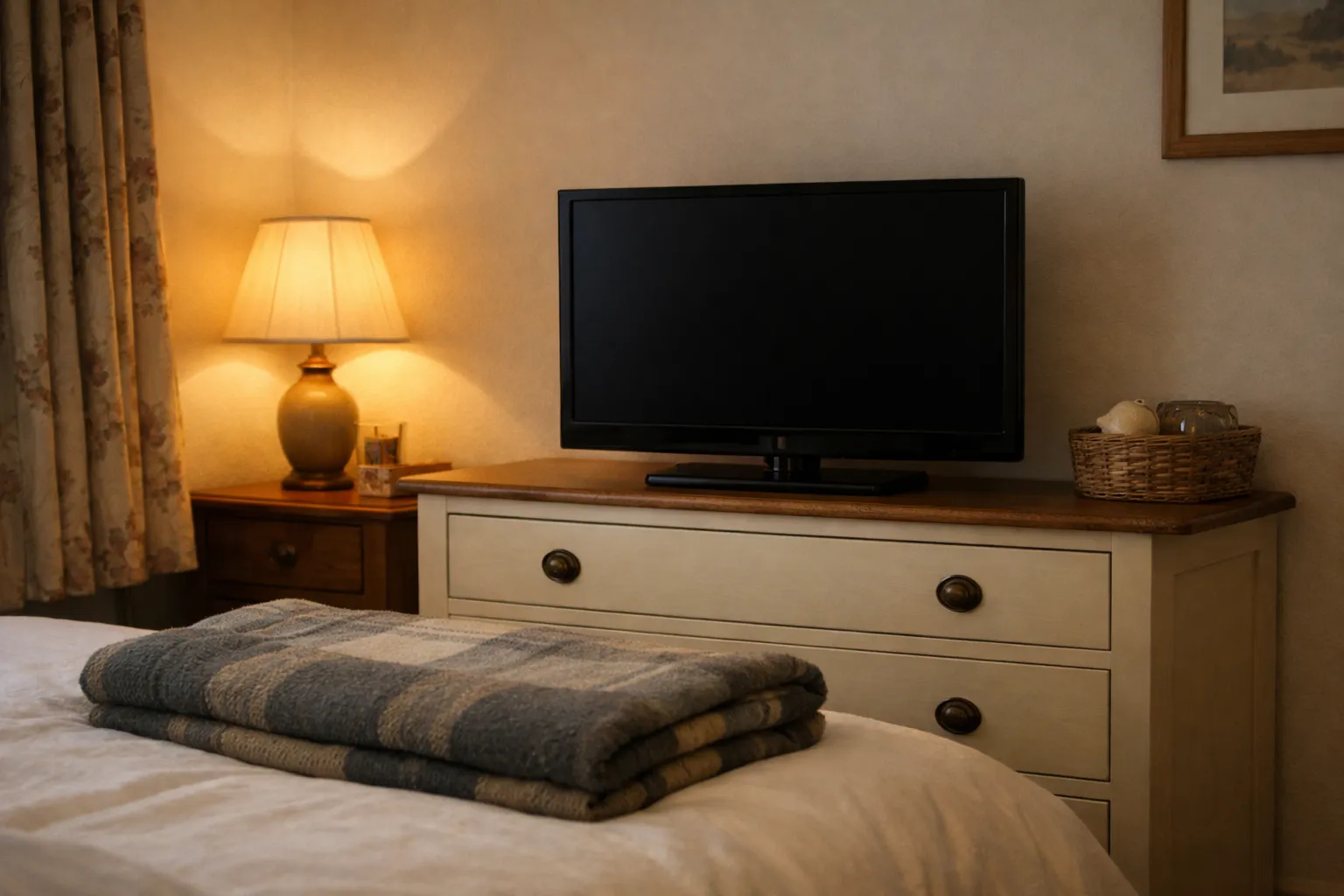
Yes, you can keep the login on the old TV, but only one TV can stream at a time on a 1-device plan. A device that holds your login but is not playing does not use a connection, so the old set can move to the bedroom and stay signed in. The limit is simultaneous streams, not installs.
If two people will watch at the same time, you need a plan with a second connection. Multi-device plans are cheaper per device: 20% off each device at 2 devices, 25% at 3 and 30% at 4, and every tier is listed on the IPTV plan prices page. The guide to running IPTV on several devices explains how connections are counted. Plans are prepaid with no contract and no auto-renewal, so changing to a bigger tier happens when you next buy.
Before you sell, reset or give away the old TV
Remove your login from the old TV's player app before it leaves the house. Anyone who picks up that TV signed in could stream on your connection, and on a 1-device plan that would block you from watching on the new set.
- Open each player app on the old TV and delete the playlist or sign out.
- If you are selling or giving the TV away, run a factory reset so no app data stays behind.
- If you are keeping the old TV and it uses Smart IPTV on Android 13 or later, avoid a factory reset; the developer's FAQ advises against one if you want to keep the same Device ID the app is activated against.
- Selling or replacing a MAG box? Message support before it goes, with the MAC address of the box you will use next.
When the new TV will not load channels
When IPTV works on the old TV but not the new one, the cause is almost always the login entry or a connection still in use. Check these in order:
- The server URL. Retype it with the exact prefix and port; a missing “s” in https or a dropped port number is the most common slip.
- The old TV. If it is still playing, a 1-device plan has no free connection; stop playback there and retry.
- The MAC address registered at siptv.app. If you uploaded the playlist against the Wi-Fi MAC and the TV is now on Ethernet, read the address shown on the app's start screen again.
- The app itself. Some players do not support Xtream Codes; use the M3U link instead.
The fix for IPTV not loading channels works through the remaining causes. For help with a specific model, message WhatsApp support with the new TV's brand and model; support runs 9am to 11pm UK time, 7 days a week.
FAQ
Do I need a new IPTV subscription for a new TV?+
No. Your subscription is a login, not a TV licence, so you sign in on the new set with the same details. You need a bigger plan only if both TVs will stream at the same time.
Will Smart IPTV work on my new TV without paying again?+
The developer's price is a one-time €5.49 for each TV or device, so a new TV needs its own activation.
Why did my Smart IPTV MAC address change?+
Each TV has a Wi-Fi and an Ethernet MAC address, according to the developer's FAQ. On Android 13 or later the app uses a temporary Device ID instead, and the developer advises avoiding a factory reset to keep the same one.
Can I use my IPTV on my old TV and new TV?+
Yes, on either, at different times. To watch on both at once you need a 2-device plan.
What happens to IPTV after a factory reset?+
The player app and its saved login are wiped, so you reinstall the app and enter your details again. Your subscription is unaffected.
New TV and want a hand setting it up?
Message WhatsApp with your new TV's brand and model. Support runs 9am to 11pm UK time, 7 days a week.
No credit card · No contract · Instant activation
See also: IPTV on LG Smart TV · Xtream Codes IPTV Explained · What Is an M3U Playlist?.