Flickhaven IPTV UK
How to Check Your IPTV Expiry Date and Renew Before It Runs Out
Your IPTV expiry date is held on your provider's server, not in the app on your TV. Some players show it on an account or user-info screen after you log in; if yours does not, your provider can confirm it. Flickhaven plans are prepaid with no auto-renewal: on the end date nothing is charged and nothing renews, so set your own reminder. Check it a few days early and renew if you want to keep watching.

This guide sits in our IPTV troubleshooting hub. It covers where the date lives, how to check your IPTV expiry date in a player, how to tell an expired plan from other faults, and how renewal works on a Flickhaven IPTV subscription. Current plan lengths and prices are always on the Flickhaven plans and prices page.
Where your IPTV expiry date is stored
Your provider sets the expiry date and stores it with your account on its server; the app on your TV only displays what it is told. When you buy a plan, the provider creates an account made of three login details (a server URL, a username and a password) and gives that account an end date.
The player app is a front end. It does not own your subscription, so a few things follow:
- Deleting the app, reinstalling it or switching to a different player does not change the date.
- Two devices logged in with the same details share the same end date.
- Some player apps sell their own paid upgrade or activation. That has its own date, set by the app developer, and has nothing to do with your provider's plan.
If you are ever unsure which date you are looking at, the account record on the provider's side is the one that decides whether channels play.
How to check the expiry date in your player

Log in, then look on the app's account, user-info or playlist-info screen; some players show the end date there, others never show it. Where the date appears depends on the app and the version you have installed.
IPTV Smarters Pro, TiviMate, XCIPTV and IBO Player all move their menus around between releases, so we do not publish step-by-step paths that may be out of date by the time you read them. Open the app's account or settings screen and look for an expiry, end date or status line. If nothing is there, ask the provider.
What you find depends mostly on how you logged in:
| Your setup | Can the app show the date? | Most reliable way to confirm |
|---|---|---|
| Server URL, username and password (an Xtream Codes login) in a player with an account screen | It may, on an account or info screen | Compare it with when you paid; ask support if it looks wrong |
| Server URL, username and password in a player without an account screen | No | Ask support on WhatsApp |
| An M3U playlist link only | No, the playlist is a channel list | Ask support on WhatsApp |
| A paid upgrade inside the player app | Yes, but it is the app's own licence date | Ignore it for your IPTV plan; ask support for that date |
A date in the app is a useful prompt, not the final word. If the app shows nothing, or shows something you do not recognise, the provider's record is the one to trust. Flickhaven customers can message support on WhatsApp from 9am to 11pm UK time, 7 days a week, and ask them to confirm the expiry date on their account.
If you only have an M3U link
No, an M3U link cannot show your expiry date. A playlist is a list of channel names and stream addresses, so there is no account screen for a player to fill in.
Our guide to what an M3U playlist contains explains the format in detail. In practice, an M3U-only setup gives you no advance warning: the playlist or its streams stop working once the plan ends. If you want a player that can display account details, ask your provider for the server URL, username and password and log in with those instead of the link. Flickhaven sends those three details on WhatsApp with every plan.
What happens on the day it expires
The streams stop. Channels and on-demand titles stop loading, and the player may show a login or authorisation error. On a Flickhaven plan, nothing is charged and nothing renews on its own.
Flickhaven plans are prepaid, with no contract and no auto-renewal. The plan simply ends unless you choose to renew it, and there is no cancellation fee because there is nothing to cancel. That is the point of prepaid IPTV with no contract, but it has one side effect worth knowing: no payment attempt means no payment reminder from your bank, so set your own reminder for the end date.
Expiry does not touch the app on your device. Your player stays installed. What happens to your login details on renewal is something support will confirm for your account (see the renewal section below).
Expired, or something else?
An expired plan fails on every channel, on every device and in every app at once, from the end date onwards. Most other faults are narrower: one device, one network or one group of channels.
Use the pattern to work out which you have before you pay for anything:
| What you see | Likely cause | Quick check |
|---|---|---|
| Every channel fails on every device and app, starting around the date your plan was due to end | Plan expired | Ask support to confirm the date, then renew |
| Login error on every device, but your plan should still be active | Server URL changed or a typo in the login | Re-enter the details from your original message; ask support for the current server URL |
| Plays on one device, fails on another at the same time | Connection limit reached | Stop the stream on the other device and try again |
| Fails on home broadband but plays on mobile data | Network or ISP block | Restart the router; test with and without a VPN |
| Some channels play, others do not | A channel or source problem, not expiry | Try the same channel later and refresh the channel list |
If you see a login error, our fix guide for IPTV Smarters "Failed to Authorize" errors works through credentials, server URLs and VPN problems in order. If the app logs in but the list stays empty or channels will not open, see why IPTV channels stop loading.
How renewal works on a Flickhaven plan
Message support on WhatsApp, choose a plan and pay; nothing renews automatically, so each renewal is your own choice. You pay the price shown on the pricing page at the time you renew.
| Plan | Price | Months of service | Works out at |
|---|---|---|---|
| 1 Month | £15 | 1 | £15.00/mo |
| 3 Months | £25 | 3 | £8.33/mo |
| 6 Months | £35 | 6 | £5.83/mo |
| 12 Months + 2 FREE | £55 | 14 | £3.93/mo |
You can pay by Visa, Mastercard, Google Pay, Apple Pay or bank transfer. A bank transfer is confirmed when the money arrives, so allow for that if your plan ends the same day.
Message support on WhatsApp before renewing and they will confirm how the renewal applies to your account. Support answers from 9am to 11pm UK time, 7 days a week, so renew inside those hours rather than late on the night your plan ends. If you have never used Flickhaven, the free 24-hour trial needs no card, and login details arrive on WhatsApp within minutes.
A reminder that actually works
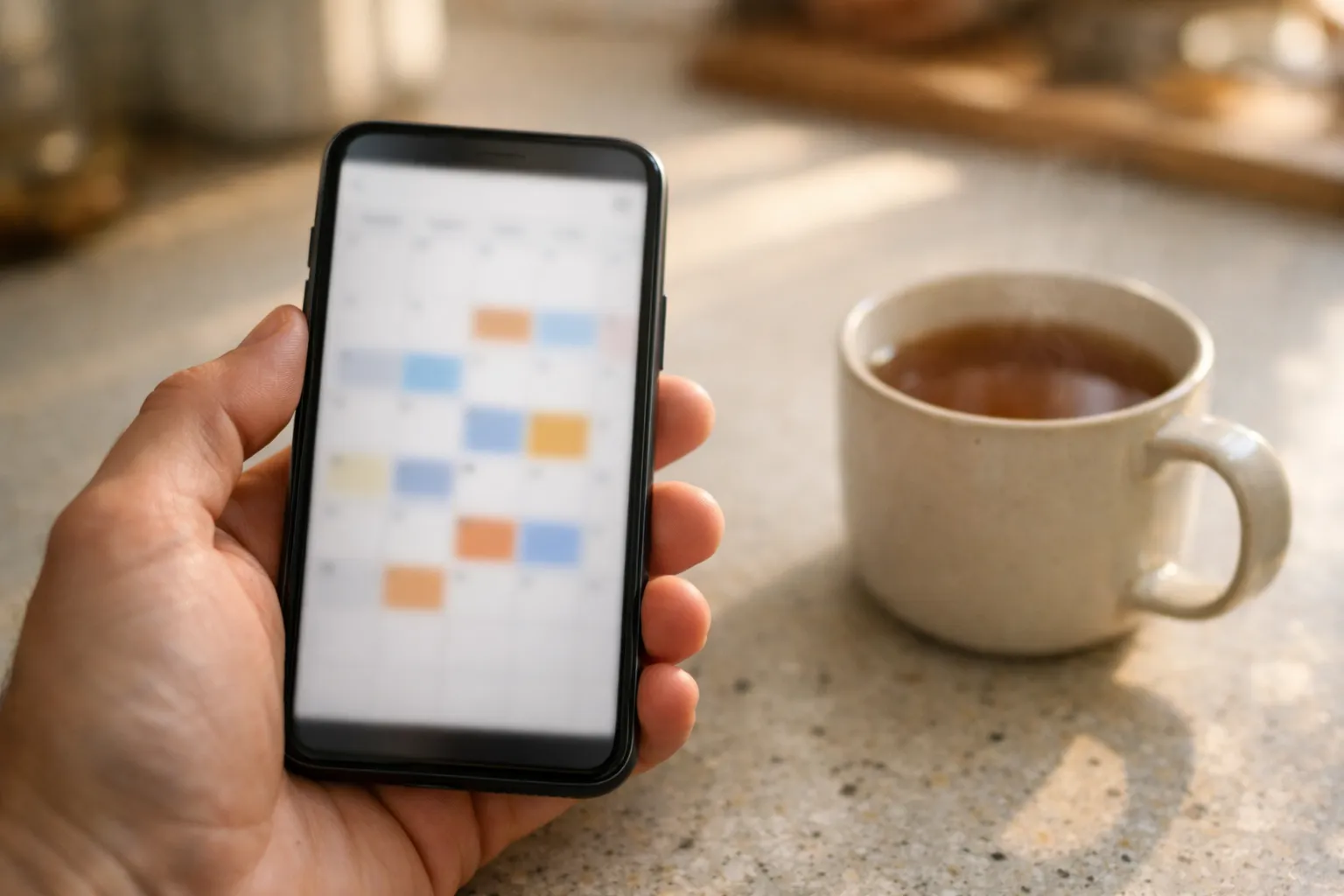
Set your own reminder: put the end date in your phone's calendar with an alert three days before it.
Three days gives you time to check the date with support during their hours, pay by bank transfer if you prefer it, and avoid finding out during a match. If you renew for a longer plan, update the calendar entry the day you pay.
FAQ
How do I check when my IPTV subscription ends?+
Look on your player's account or info screen after logging in. If the app does not show a date, or you use an M3U link, ask your provider. Flickhaven customers can message support on WhatsApp from 9am to 11pm UK time, 7 days a week.
Why did my IPTV stop working on the same day every month?+
If you buy one month at a time, each plan has its own end date, and service stopping on a regular date usually means a 1-month plan ran out. Ask support to confirm the date on your account before assuming a fault.
Does IPTV renew automatically?+
Not with Flickhaven. Plans are prepaid with no contract and no auto-renewal, so they end unless you choose to renew. Other sellers set their own terms, so check before you pay.
Can I renew my IPTV before it expires?+
You can message support to renew whenever you choose. Before you pay, ask them to confirm how the renewal applies to your account.
Does an M3U link show the expiry date?+
No. An M3U playlist is a list of channels and stream addresses with no account screen. Log in with your server URL, username and password in a player that has an account screen, or ask your provider.
Not with Flickhaven yet?
Try the free 24-hour trial with no card, then pick a prepaid plan that only renews when you choose to.
No credit card · No contract · Instant activation
See also: Xtream Codes IPTV Explained · IPTV on Multiple Devices · Lost Your IPTV Login?.